See it run
The real thing, in your terminal.
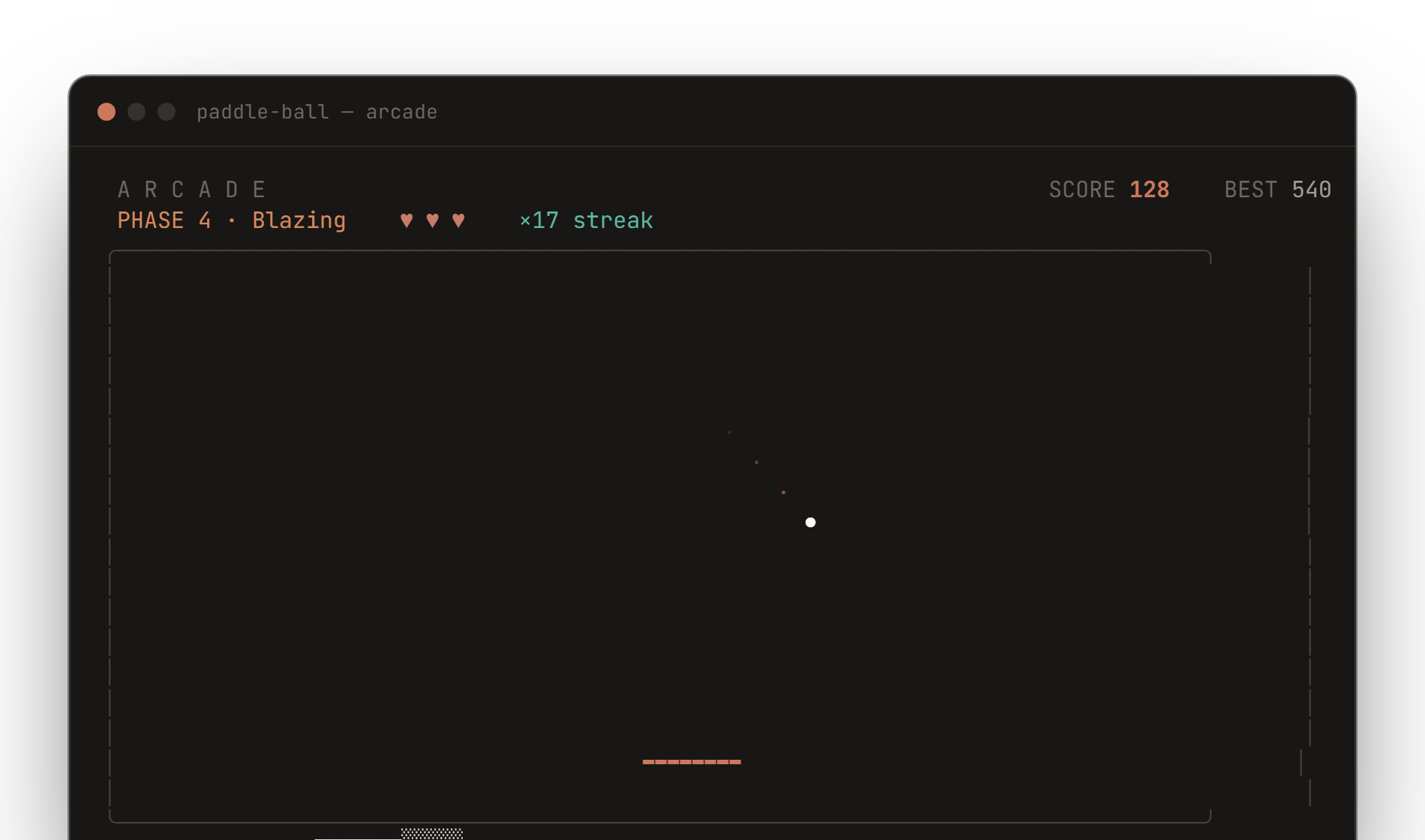
An actual frame from Arcade mode — live HUD, a power-up timer, the ball's trail, and the coral paddle. Rendered, not mocked.
A physics-based paddle game that lives in your terminal. Sub-stepped collisions that never glitch, five restrained themes, and a paddle that follows your mouse. One binary, no clutter.
go install github.com/subhadeeproy3902/pong-ball@latest
Every part of the game is tuned for a calm, precise feel — restrained color, smooth motion, and physics you can trust.
The ball moves in collision-safe sub-steps, so it never tunnels through a wall or resets mid-rally — even at top speed.
A harmonica spring chases your input for weighty, fluid control. Keys, or just move your mouse — the paddle follows.
Claude, Mono, Nord, Moss, and Ember. Each leans on a single accent — no rainbow, no neon, no glow.
Six power-ups and five escalating difficulty phases in Arcade, from a gentle warm-up to genuinely insane.
Every run is saved to a local JSON store with a built-in leaderboard, per-mode filters, and lifetime stats.
Pure Go, zero runtime dependencies. One command with go install, Homebrew, winget, Chocolatey, or Scoop — or a single curl-pipe script.
An actual frame from Arcade mode — live HUD, a power-up timer, the ball's trail, and the coral paddle. Rendered, not mocked.
Every effect is from soundcn — the same files the terminal game plays. Tap to listen.
One life, pure score chase. Every miss ends the run.
Three lives and the full power-up roster to fight for.
A sixty-second sprint for the highest score you can stack.
curl -sSL https://raw.githubusercontent.com/subhadeeproy3902/pong-ball/main/install.sh | sh# .deb · .rpm · .apk — from the
# releases page below
github.com/subhadeeproy3902/pong-ball/releasesbrew install https://raw.githubusercontent.com/subhadeeproy3902/pong-ball/main/Formula/pong-ball.rbwinget install pong-ballchoco install pong-ballscoop bucket add pong-ball https://github.com/subhadeeproy3902/pong-ball
scoop install pong-ball# works on any OS with the Go toolchain
go install github.com/subhadeeproy3902/pong-ball@latestcurl -sSL https://raw.githubusercontent.com/subhadeeproy3902/pong-ball/main/install.sh | shpong-ball uninstallAsks for confirmation, then removes the binary, your saved scores & settings, and the cached sound files. Add --yes to skip the prompt or --keep-data to keep your scores. Installed via a package manager? Use its own uninstall too.
A free, open-source, minimalist Pong game that runs entirely in your terminal. It pairs sub-stepped collision physics with a spring-driven paddle you steer with the keyboard or mouse, five restrained themes, three game modes, sound, and a persistent score history.
On any OS with Go: go install github.com/subhadeeproy3902/pong-ball@latest. On Windows: winget install pong-ball or choco install pong-ball (Scoop too, via the project bucket). On macOS, one command: brew install https://raw.githubusercontent.com/subhadeeproy3902/pong-ball/main/Formula/pong-ball.rb. On Linux, run the install.sh one-liner. Prebuilt binaries and .deb/.rpm/.apk packages are on the releases page.
Prebuilt binaries ship for macOS, Linux, and Windows on amd64 and arm64, plus .deb, .rpm, and .apk packages and a Docker image. Anything that can run a single Go binary in a UTF-8 terminal works.
Yes — MIT-licensed and free. The full source lives on GitHub.